Grow a Garden Calculator – Crop Value, Pet Value & Trade Checker
Use Grow a Garden Calculator – Crop Value, Pet Value & Trade Checker to estimate crop values, mutation multipliers, pet values, and trade fairness in one mobile-friendly tool.
No sign-upInstant resultsMobile friendlyFan-made guide
Grow a Garden Calculator – Crop Value, Pet Value & Trade Checker Tool
Choose a tab, enter your values, and get the result instantly.
Ready to calculate
Grow a Garden Crop Value Calculator
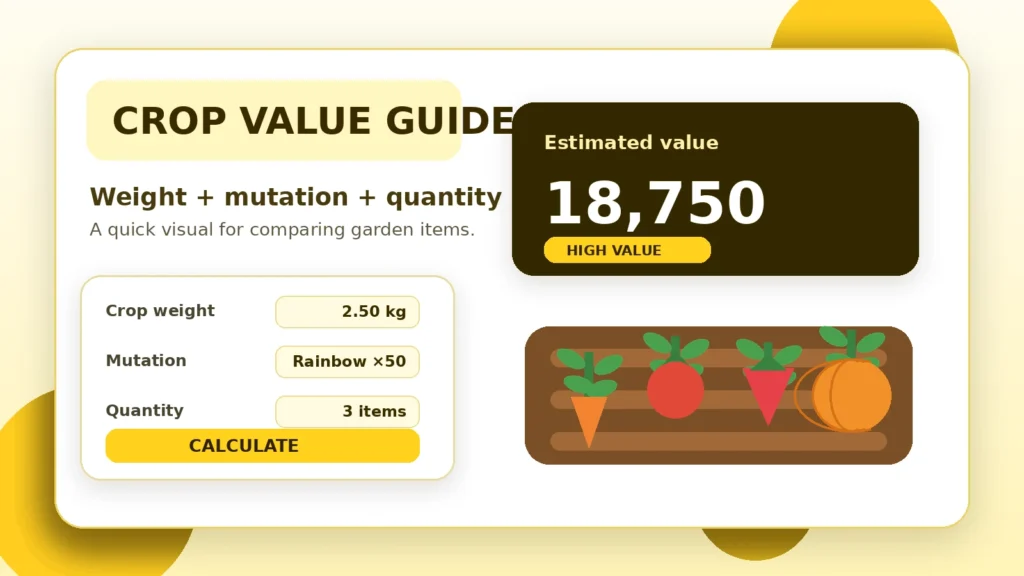
Estimate Grow a Garden crop value, fruit value, mutation value, and total Sheckles using crop weight, quantity, growth mutations, environmental mutations, friend boost, and optional event boosts.
Grow a Garden Mutation Calculator
Use this Grow a Garden mutation calculator to estimate how much growth mutations and weather mutations can increase an item’s value.
Grow a Garden Mutation Guide Table
Mutation
Estimated Multiplier
Type
Value Impact
Grow a Garden Pet Value Calculator
Estimate Grow a Garden pet value by pet rarity, pet mutation, age or level, weight, demand level, and base pet value.
Grow a Garden Trade Calculator / Trade Checker
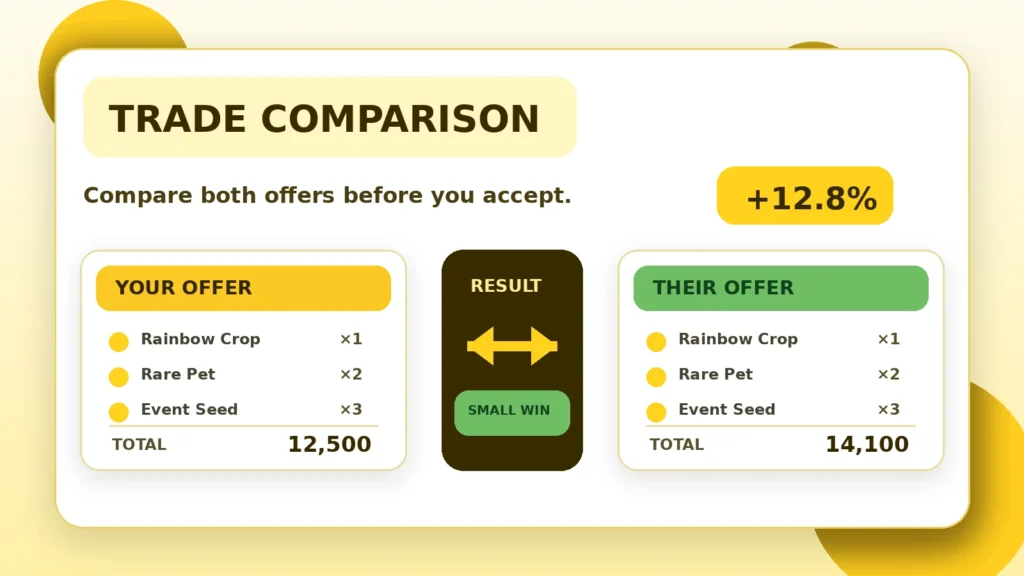
Use the Grow a Garden Trade Calculator to compare two offers before accepting a trade. Enter crops, pets, seeds, gear, or limited items on both sides and see whether the trade looks fair, a win, or a loss.
Your Offer
Their Offer
Trade Fairness Result
Add items to both sides and click Calculate Trade Fairness.
Best Crops in Grow a Garden for Value and Profit
Compare beginner, mid game, late game, event, and multi harvest crops to find strong value and profit opportunities in Grow a Garden.
Crop
Rarity
Harvest Type
Best For
Estimated Profit Rating
Simple guide
About Grow a Garden Calculator – Crop Value, Pet Value & Trade Checker
This page brings the most-used Grow a Garden checks into one place. Start with the calculator above, then use the mutation, pet, trade, or crop-guide tabs when you need a closer comparison.
The numbers are estimates, not official in-game prices. They are most useful for comparing two possibilities quickly, especially when weight, quantity, mutations, or demand make a simple guess difficult.
Prepared for Find New Daily by Abhishek. Last updated July 12, 2026.
Crop weight, mutations, and quantity can all change the estimate.Read the full Grow a Garden Calculator – Crop Value, Pet Value & Trade Checker guide
How to use the calculator
Open the tab that matches what you are checking. For crops, select a crop, enter its weight and quantity, then add any growth or environmental mutations. The result panel shows the weight multiplier, mutation multiplier, value per crop, and combined estimate.
Crop and mutation values
Weight is compared with the crop’s reference weight. Mutations and optional boosts are then applied. A small input change can make a large difference, so double-check decimal points and quantity before using the result.
Pets and trades
Pet estimates use rarity, mutation, demand, age or level, weight, and a base value. The trade checker totals both offers and labels the difference as a win, fair trade, or loss.
Compare both sides of a trade instead of judging one rare item by itself.
What affects the result?
Crop estimates depend on base value, reference weight, entered weight, quantity, growth mutation, environmental mutations, friend boost, and any extra server or event multiplier. Pet results depend on the values entered in the pet tab. Trade results are only as accurate as the item estimates added to each side.
Use estimates carefully
Game updates, limited events, player demand, and server trends may change real trading behavior. Treat the result as a comparison aid. For an important trade, check recent in-game demand and avoid entering personal account details anywhere.
Grow a Garden Calculator – Crop Value, Pet Value & Trade Checker FAQ
No. It is a fan-made estimation tool and is not affiliated with Roblox Corporation or the Grow a Garden developers.
Select the crop, enter its weight and quantity, choose the relevant mutations and boosts, then press Calculate Value.
The calculator uses editable estimated values. Updates, demand, limited availability, and trading behavior can change the real result.
Yes. Add estimated items to Your Offer and Their Offer, then calculate the percentage difference.
Yes. The tabs scroll horizontally on small screens, forms stack into one column, and action buttons expand to full width.