Simplify Calculator
Use the Simplify Calculator to reduce expressions, fractions, radicals, exponents, and beginner algebra problems. Enter a problem, choose the right mode, and follow the calculation steps.
Simplify Calculator With Steps
Choose a mode, enter your problem, and select Simplify. The answer and the main calculation steps will appear directly below the form.
Try an example
Final Answer
Step-by-Step Solution
About the Simplify Calculator
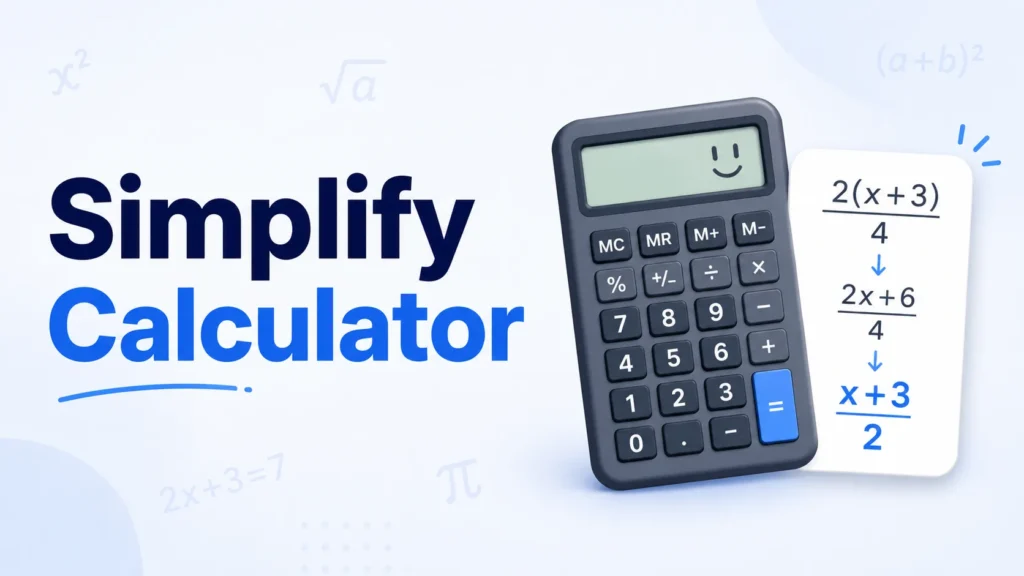
This tool is built for quick checks and beginner-friendly practice. It keeps the input area simple, shows the result clearly, and explains the rule used instead of leaving you with a number only.
For the most reliable result, choose the mode that matches your problem and follow the example format shown inside the input box.
Read the full Simplify Calculator guide Hide the full guide
How to Use the Simplify Calculator
- Select Expression, Fractions, Radicals, Exponents, or Basic Algebra.
- Enter the problem using the same style as the example shown in the field.
- Select Simplify to calculate the result.
- Review the final answer and the explanation beside it.
- Use Copy Answer when you need to paste the result into your notes.
What Simplifying Means in Math
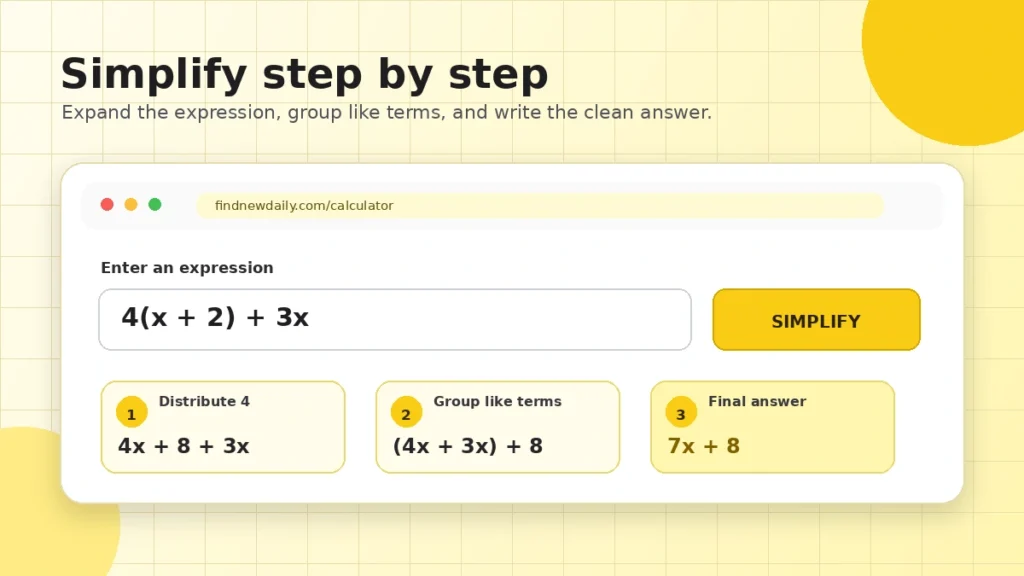
Simplifying means writing the same value in a cleaner form. For example, 2x + 3x becomes 5x. Nothing about the value changes; the expression is simply easier to read and use.
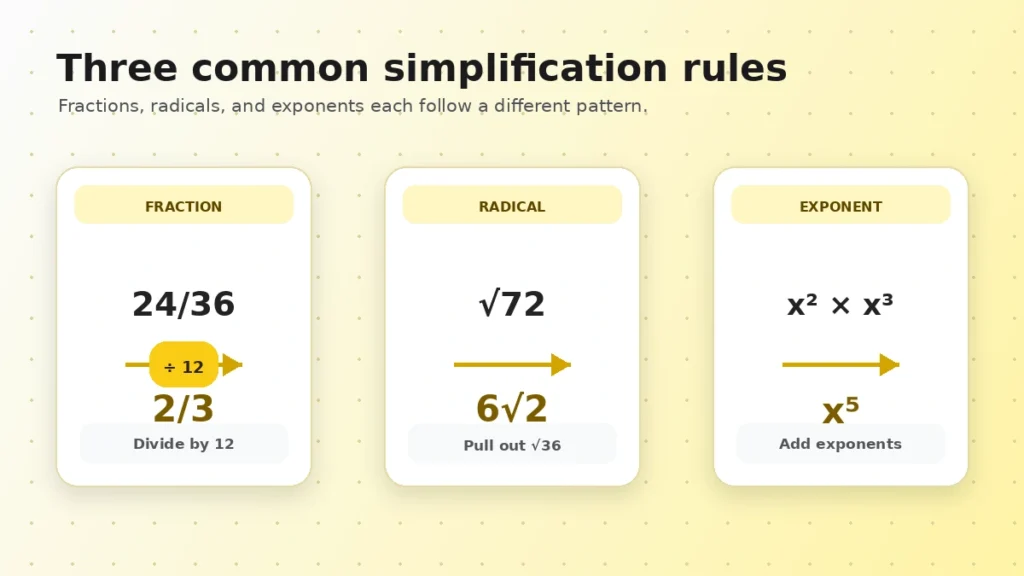
The same idea applies to fractions and radicals. The fraction 24/36 becomes 2/3, while sqrt(72) becomes 6sqrt(2). Each answer is equivalent to the original problem.
Common Rules Used by This Calculator
- Combine like terms: add or subtract terms that share the same variable part.
- Distributive property: multiply the number outside parentheses by each term inside.
- Fraction reduction: divide the numerator and denominator by their greatest common factor.
- Radical simplification: move perfect-square factors outside the square root.
- Exponent product rule: add exponents when multiplying powers with the same base.
- Exponent quotient rule: subtract exponents when dividing powers with the same base.
Simplify Calculator Examples
| Problem | Simplified form | Main rule |
|---|---|---|
| 2x + 3x | 5x | Combine like terms |
| 4(x + 2) + 3x | 7x + 8 | Distribute, then combine |
| 24/36 | 2/3 | Greatest common factor |
| sqrt(72) | 6sqrt(2) | Perfect-square factor |
| x^2 × x^3 | x^5 | Product rule |
Simplifying and Solving Are Different
Simplifying changes the form of an expression while preserving its value. Solving goes one step further and finds an unknown. For instance, 2x + 3x simplifies to 5x, but solving 2x = 10 gives x = 5.
Tips for Better Results
- Use one variable letter per term in beginner expressions.
- Check positive and negative signs before selecting Simplify.
- Do not use zero as a fraction denominator.
- Enter whole numbers for the radical mode.
- Use the clickable examples to see the supported input format.
Simplify Calculator FAQs
What does the Simplify Calculator do?
It rewrites a supported expression, fraction, radical, exponent problem, or basic algebra expression in a simpler form and shows the main steps used.
How do I simplify an expression?
Combine like terms, use the distributive property when parentheses are present, and keep terms with different variable parts separate.
Can this calculator reduce fractions?
Yes. Enter the numerator and denominator, and the calculator divides both by their greatest common factor to produce lowest terms.
Can it simplify square roots?
Yes. For whole numbers, it finds the largest perfect-square factor and moves that factor outside the radical when possible.
Which exponent rules are supported?
The calculator supports common beginner examples using the product rule, quotient rule, power rule, zero exponent rule, and negative exponent rule.
Is simplifying the same as solving?
No. Simplifying rewrites an expression without changing its value. Solving usually means finding the value of an unknown variable.
Why did my expression return an error?
This is a lightweight classroom calculator, so very advanced symbolic expressions are not supported. Start with examples such as 2x + 3x, 2(x + 5), 24/36, sqrt(72), or x^2 * x^3.