Free online calculator
Chronological Age Calculator
Enter a date of birth to get a clear calendar-age breakdown. Optional tools can also show milestones, birth details, and the difference between two birthdays.
Updated
Chronological Age Calculator
Start with the date of birth. The detailed options are optional, so the main calculation stays quick and easy to read.
Enter your date of birth and select Calculate Age. Your result will appear here.
What this calculator tells you
The Chronological Age Calculator measures the calendar time between a date of birth and the date you choose. Instead of showing only a rounded number of years, it separates the result into complete years, complete months, and the remaining days.
That makes the result useful for everyday records, school forms, birthday planning, family history, and any situation where a precise date-based age is more helpful than a quick estimate.
- Exact years, months, and days
- Total weeks, days, hours, and more
- Optional milestones and age comparison
How to use the Chronological Age Calculator
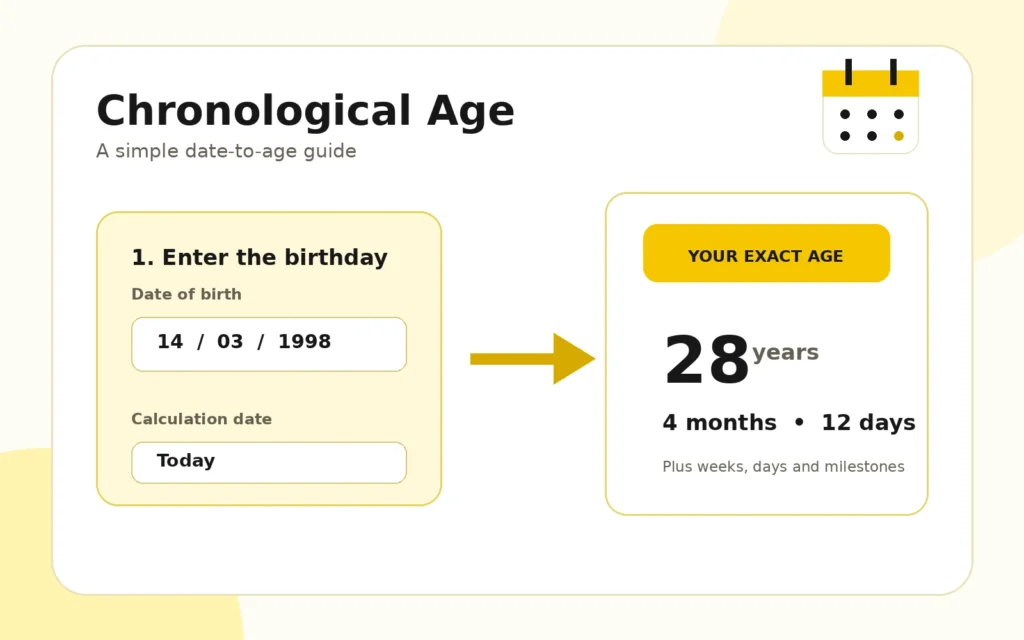
- Enter the correct date of birth.
- Keep “Today” selected, or choose a custom date.
- Turn on any optional result details you need.
- Select Calculate Age and review the result below the form.
You can print the result or copy a plain-text summary after the calculation is complete.
Read the complete age-calculation guide
Understanding chronological age
Chronological age is simply the amount of calendar time that has passed since birth. It does not judge fitness, appearance, health, or maturity. A person’s biological age is a separate idea and may be discussed in health or research settings, but it is not calculated here.
Why years, months, and days are calculated separately
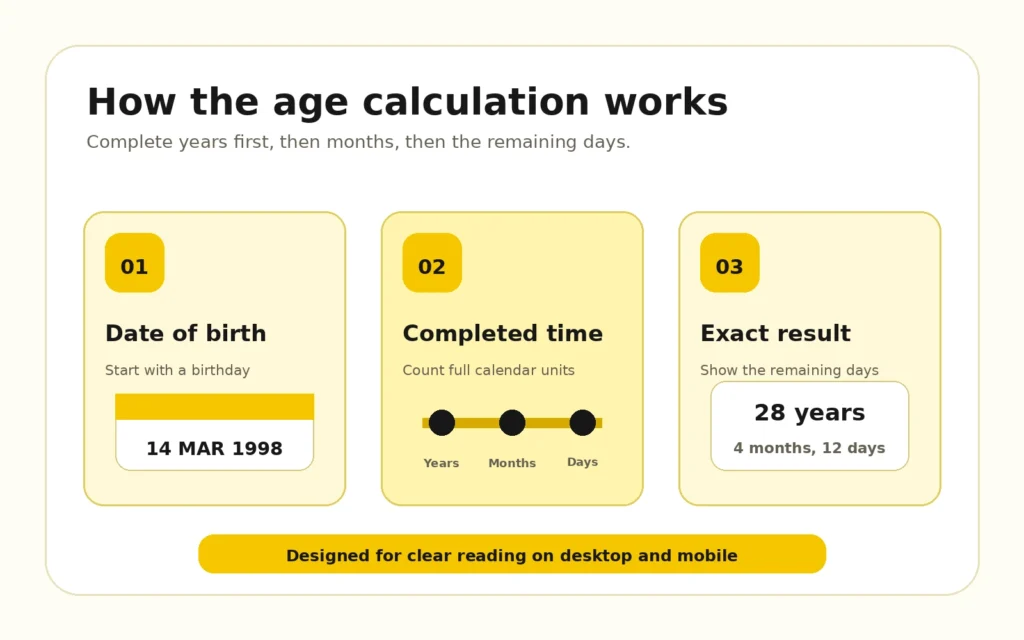
Calendar months are not all the same length, and leap years add an extra day to February. For that reason, dividing a total number of days by 365 can produce an answer that looks close but is not a true calendar-age breakdown. This calculator counts completed years first, then completed months, and finally the days left over.
Useful ways to apply the result
Parents may need a child’s age for enrollment or activity forms. Adults may want to check an age on a past date, plan a milestone birthday, compare two family birthdays, or prepare a clear personal record. The custom-date option is particularly useful when the form asks for age “as of” a specific day.
Leap-day birthdays
A February 29 birthday is handled by the calculator. In a year without February 29, some people use February 28 while others use March 1. Legal and organizational rules can differ, so the date shown here should be treated as a general calendar calculation rather than an official ruling.
School, retirement, and legal milestones
The optional milestone section is meant to help with planning. School entry cutoffs, driving rules, adult status, retirement programs, insurance, and government benefits may depend on location and individual eligibility. Always confirm an important deadline with the organization responsible for it.
Find New Daily provides this tool for general information. Keep the original dates and any official documents available when accuracy matters for an application or record.
Frequently asked questions
What does a chronological age calculator measure?
It measures the calendar time between a date of birth and a selected date, then presents the result in complete years, months, and remaining days.
Can I calculate age for a past or future date?
Yes. Choose Custom Date and enter the date on which you want the age calculated. The selected date must be after the date of birth.
Does the calculator show total days and weeks?
Yes. Results include total months, weeks, days, hours, minutes, and seconds in addition to the calendar age.
Will it work for a February 29 birthday?
Yes. Leap-day birthdays are supported. In non-leap years, birthday observance can vary between February 28 and March 1 depending on the relevant rule or personal preference.
Can two dates of birth be compared?
Yes. Enable the comparison option, enter a second date of birth, and the calculator will show who is older and the exact difference.
Is the result official medical, school, or legal advice?
No. The result is a general calendar calculation. Official forms and eligibility decisions should always be checked with the relevant organization.