A cleaner week, without the marathon
How to get useful results from Weekly House Cleaning Schedule Generator | Free Printable Cleaning Checklist
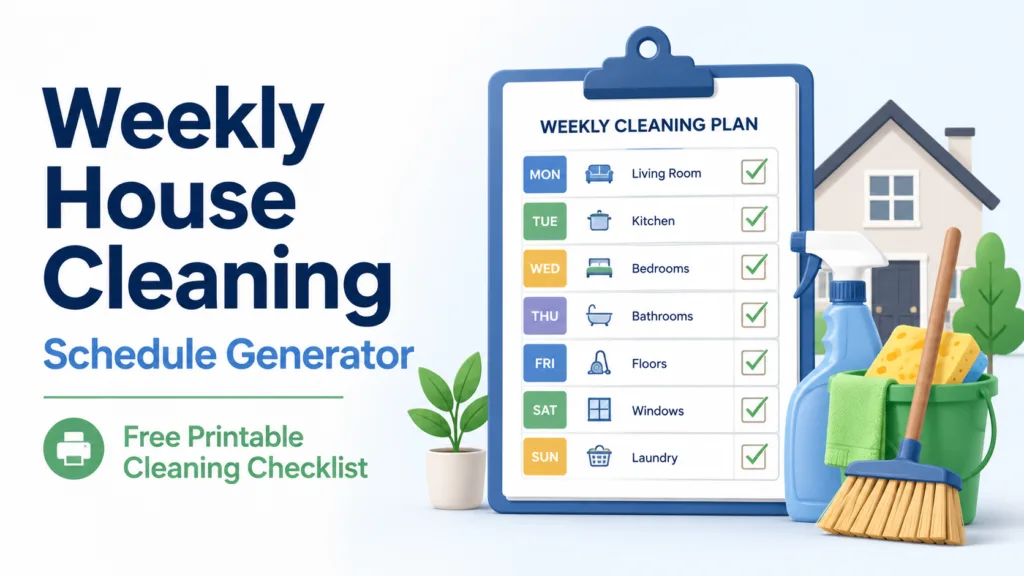
Start with the time you honestly have, not the time you wish you had. A 15-minute plan that gets followed is more useful than a two-hour plan that keeps being postponed. Select your busiest rooms, choose a few workable days, and let the generator spread the jobs across the week.
After generating the checklist, copy it to your notes app or print it. Try the plan for one week, then adjust the days or time if it feels too heavy.
What belongs in a weekly cleaning plan?
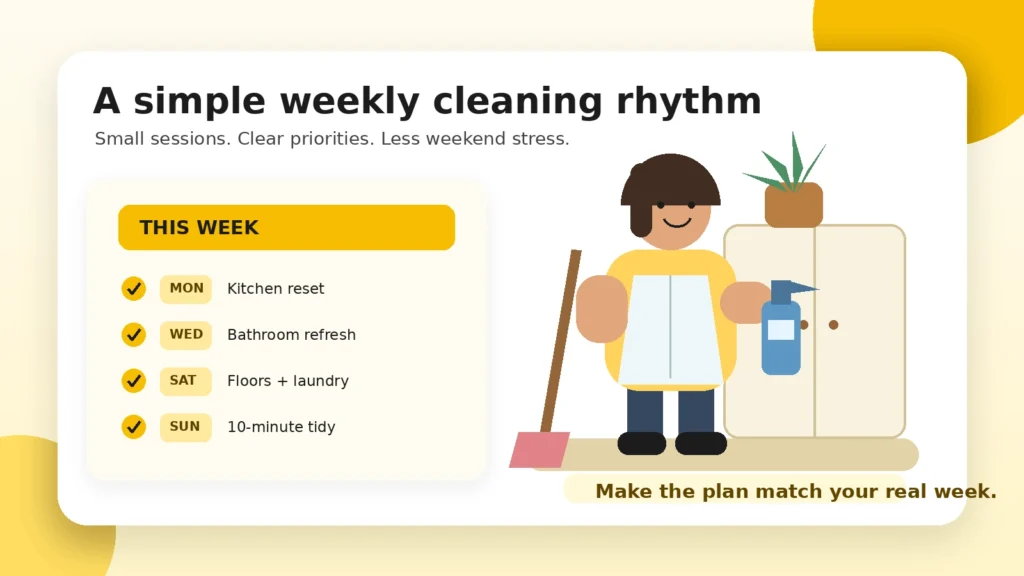
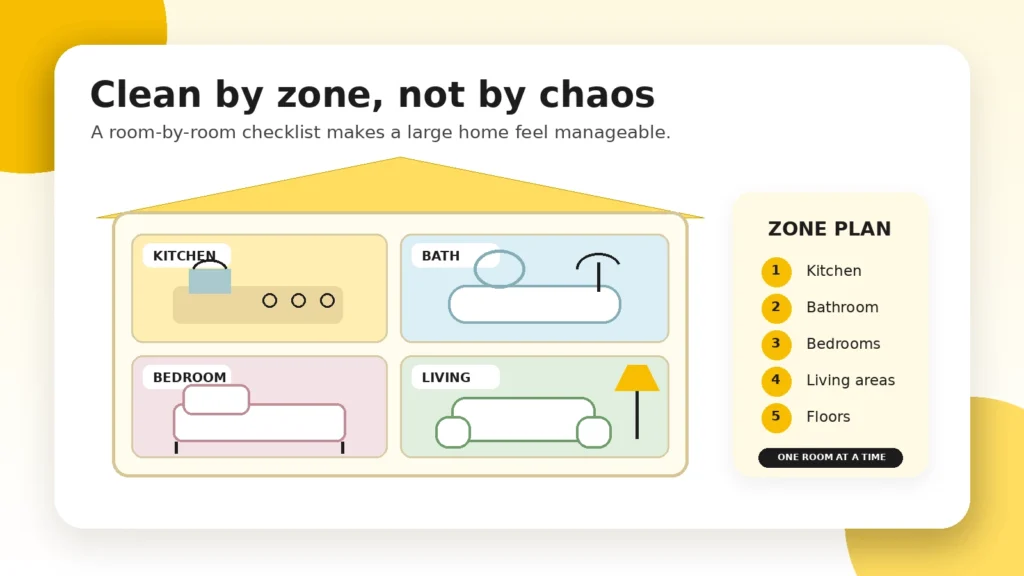
A practical weekly plan gives priority to the spaces that become dirty fastest: the kitchen, bathroom, floors and shared living areas. Bedrooms and laundry can be fitted around those core jobs. Deep-cleaning projects such as windows, baseboards and cupboard interiors are better treated as monthly extras.
Kitchen reset
- Clear and wipe the counters
- Clean the sink and stovetop
- Check leftovers and take out trash
- Sweep or mop the floor
Bathroom refresh
- Clean the toilet and sink
- Wipe the mirror
- Scrub the shower or tub
- Replace towels and mop
Bedrooms
- Put away clothes
- Change the bedsheets
- Dust the main surfaces
- Vacuum the floor
Shared areas
- Return loose items to their place
- Dust tables and the TV area
- Vacuum rugs or floors
- Reset the sofa and entryway
Make the schedule fit the people who live there
Homes with pets usually need more frequent floor care, pet-bowl cleaning and bedding washes. Families with children may benefit from a short daily toy pickup. Roommates can rotate shared jobs each week so one person is not always responsible for the bathroom or kitchen.
For busy households, spread cleaning across two or three short sessions. For a small apartment, one midweek reset and one weekend session may be enough.
Three habits that make the plan easier to follow
- Use a timer. Stopping after the planned time prevents a small task from taking over the evening.
- Keep supplies nearby. A bathroom cloth stored in the bathroom removes one reason to delay the job.
- Reset before you finish. Put products away and note the next task so the following session starts quickly.
Frequently asked questions
How many days a week should I clean?
Two or three short sessions work well for many homes. Larger households, children or pets may need quick daily resets in addition to the weekly plan.
What should be cleaned every day?
Dishes, food spills, full trash bins and obvious clutter are the best daily priorities. Most other jobs can be assigned to weekly sessions.
How often should the bathroom be cleaned?
A full clean once a week is a common starting point. Shared or heavily used bathrooms may also need a quick sink and toilet wipe during the week.
Can roommates split the generated checklist?
Yes. Select the roommate option and include the task-split section. The result assigns cleaning days across the selected number of people.
Can I print the schedule?
Yes. Generate the schedule first, then use the Print Schedule button. The print layout hides the form and article so only the checklist is printed.