How to use the Percentage Increase Calculator – Calculate Percent Increase Online
Start with the number you had before the change, then enter the updated number. The calculator compares the difference with the original value, so the result is easy to understand in real situations such as a salary raise, rent change, price update, or business growth.
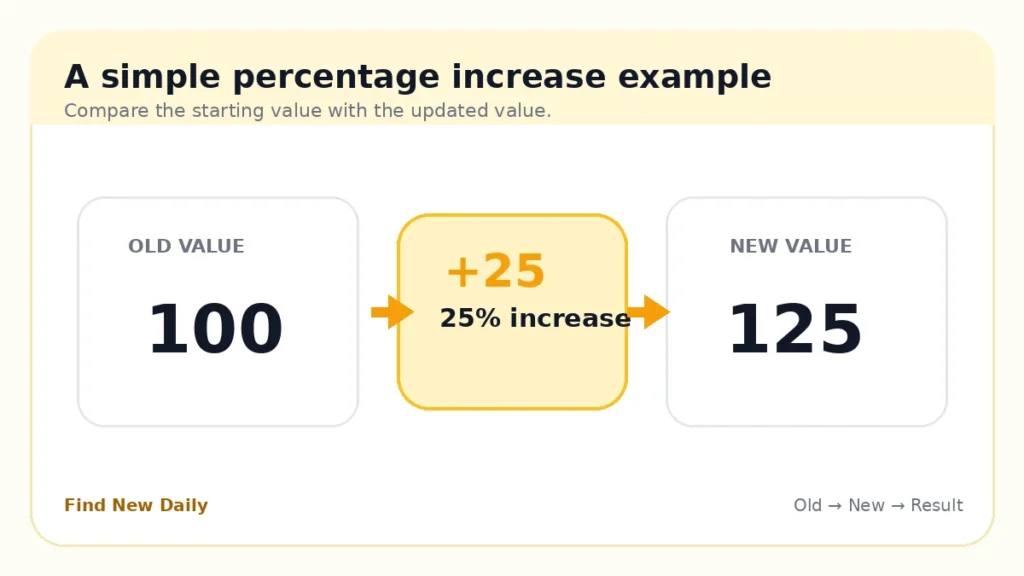
Percentage Increase Calculator – Calculate Percent Increase Online formula
Here is a quick example. A service costs $80 and later costs $95. The difference is $15. Divide $15 by the original $80, then multiply by 100. The result is an 18.75% increase.
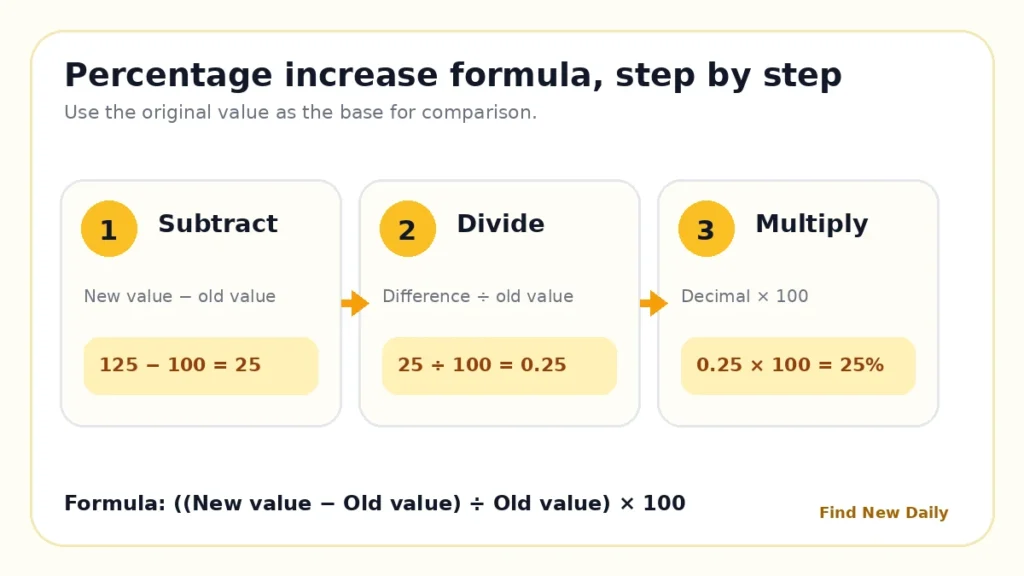
Work through the calculation in three steps
- Find the difference: subtract the old value from the new value.
- Compare with the starting value: divide the difference by the old value.
- Convert to a percentage: multiply the decimal result by 100.
Everyday uses for the Percentage Increase Calculator – Calculate Percent Increase Online
Salary raises
Compare your current salary with a new offer or annual raise.
Rent changes
See the monthly increase and its estimated yearly impact.
Price updates
Measure changes in groceries, subscriptions, products, or services.
Business growth
Compare revenue, sales, or profit between two periods.
Bills
Check changes in electricity, internet, phone, and other bills.
Scores
Measure improvement between an earlier score and a newer score.
Percentage increase and percentage decrease are not the same
When the new value is higher, the tool reports an increase. When the new value is lower, it reports a decrease. The formula still compares the change with the original number, which is why entering the values in the correct order matters.
A small money change can still be a large percentage when the starting amount is small. For example, moving from $5 to $10 is a $5 change but a 100% increase.
Percentage Increase Calculator – Calculate Percent Increase Online frequently asked questions
What is percentage increase?
Percentage increase shows how much a value rose compared with its original value. The change is expressed as a percentage of the old value.
How do I calculate percentage increase?
Subtract the old value from the new value, divide the difference by the old value, and multiply the result by 100.
What is the percentage increase from 100 to 125?
The increase is 25. Dividing 25 by the original value of 100 gives 0.25, so the percentage increase is 25%.
Can I use this calculator for a salary raise?
Yes. Select Salary and USD to see the annual raise amount plus estimated monthly, bi-weekly, and weekly increases.
Why can the old value not be zero?
The formula divides the change by the old value. Division by zero is not defined, so a percentage increase cannot be calculated from a starting value of zero.
Is this calculator free?
Yes. You can use the calculator without creating an account or paying a fee.